Watch together,
in sync.
Your Jellyfin library on the screens you use, with a room ready when friends and family join.
What Screenfin brings to your library.
The features you can use across Screenfin. Where a Jellyfin plugin helps or is required, we name it below.


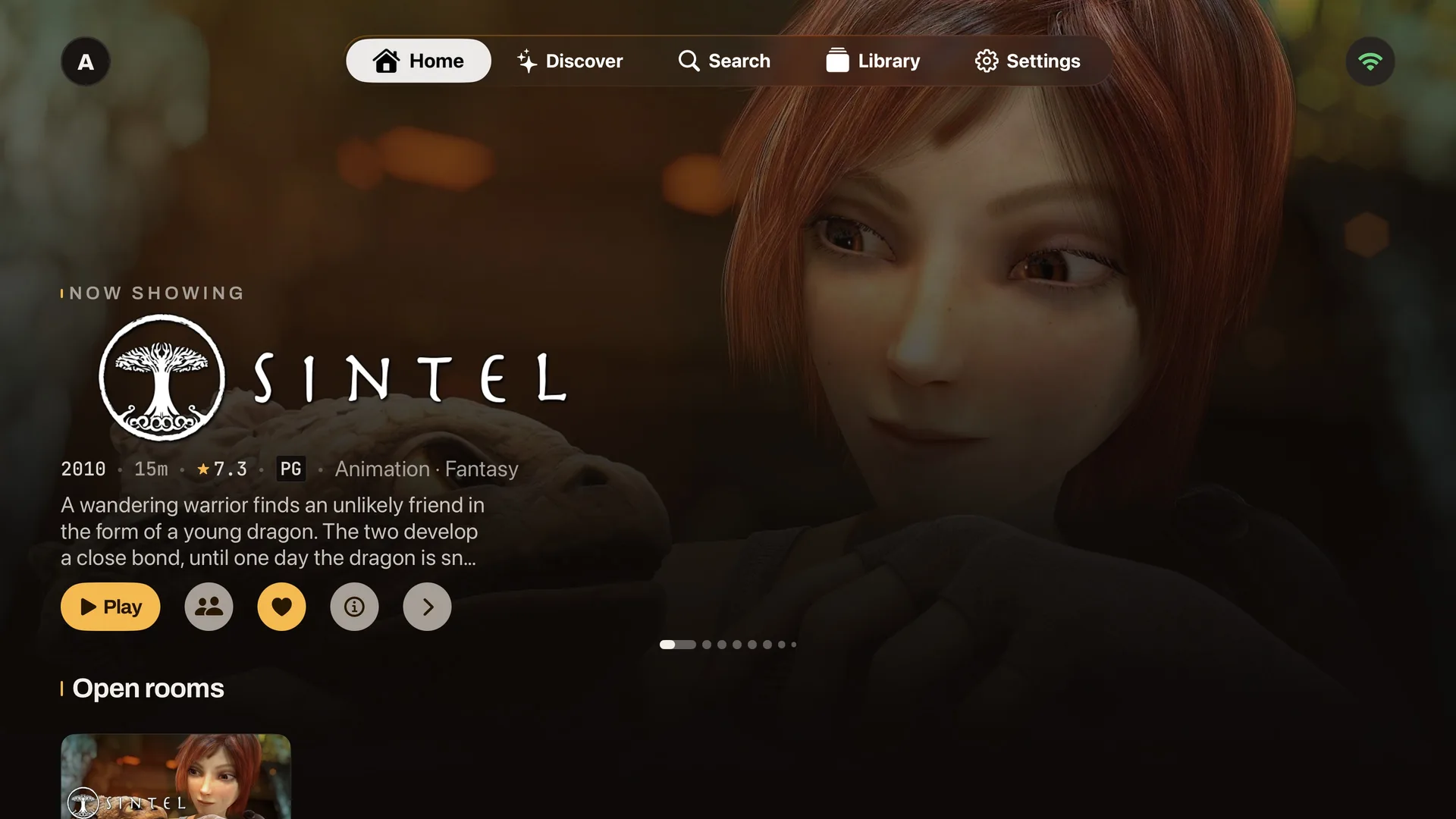
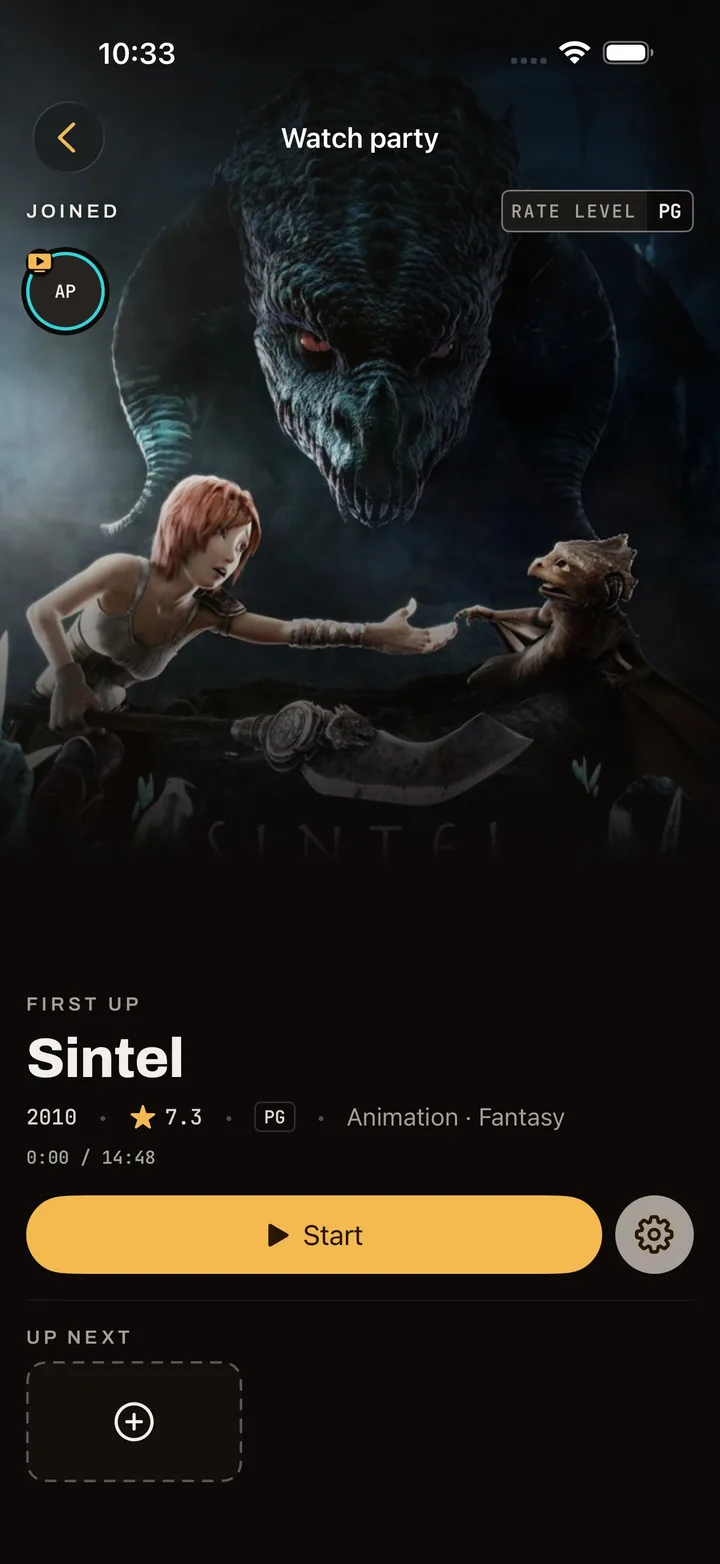
Watch Together
Host or join a room with synced playback, a shared queue and room controls.
Skip Intro
Skip intros when your Jellyfin server has intro markers, and see intro and outro markers in the native players.
Works best with the Intro Skipper plugin
Chapters
Jump between a title’s chapters from the player when Jellyfin has chapter data.
Find and download subtitles
Search for subtitles while watching in the iOS, Apple TV and Android apps, if your Jellyfin account can manage subtitles.
Subtitle provider plugin required, such as Open Subtitles
Community and critic ratings
See the scores and title details supplied by your Jellyfin server.
Up Next
Move to the next episode, or choose what follows from the queue.
Continue Watching
Pick up where you left off on another screen, alongside your Next Up and favourites.
Audio, subtitles and quality
Choose tracks and playback quality for each title, with direct play or Jellyfin transcoding.
Offline downloads
Keep movies and episodes on an iPhone, iPad or Android handheld for offline playback.
AirPlay and Google Cast
Send playback from iPhone or iPad with AirPlay, or from Android handhelds with Google Cast.
TV-ready browsing
Browse with a remote on Apple TV and Android TV, and sign in with Jellyfin Quick Connect.
Multiple Jellyfin accounts
Choose who is watching on a shared device, with each person’s own library and progress.
Everyone has a seat.
Each person watches through their own Jellyfin account. The room keeps playback in step.
- 01
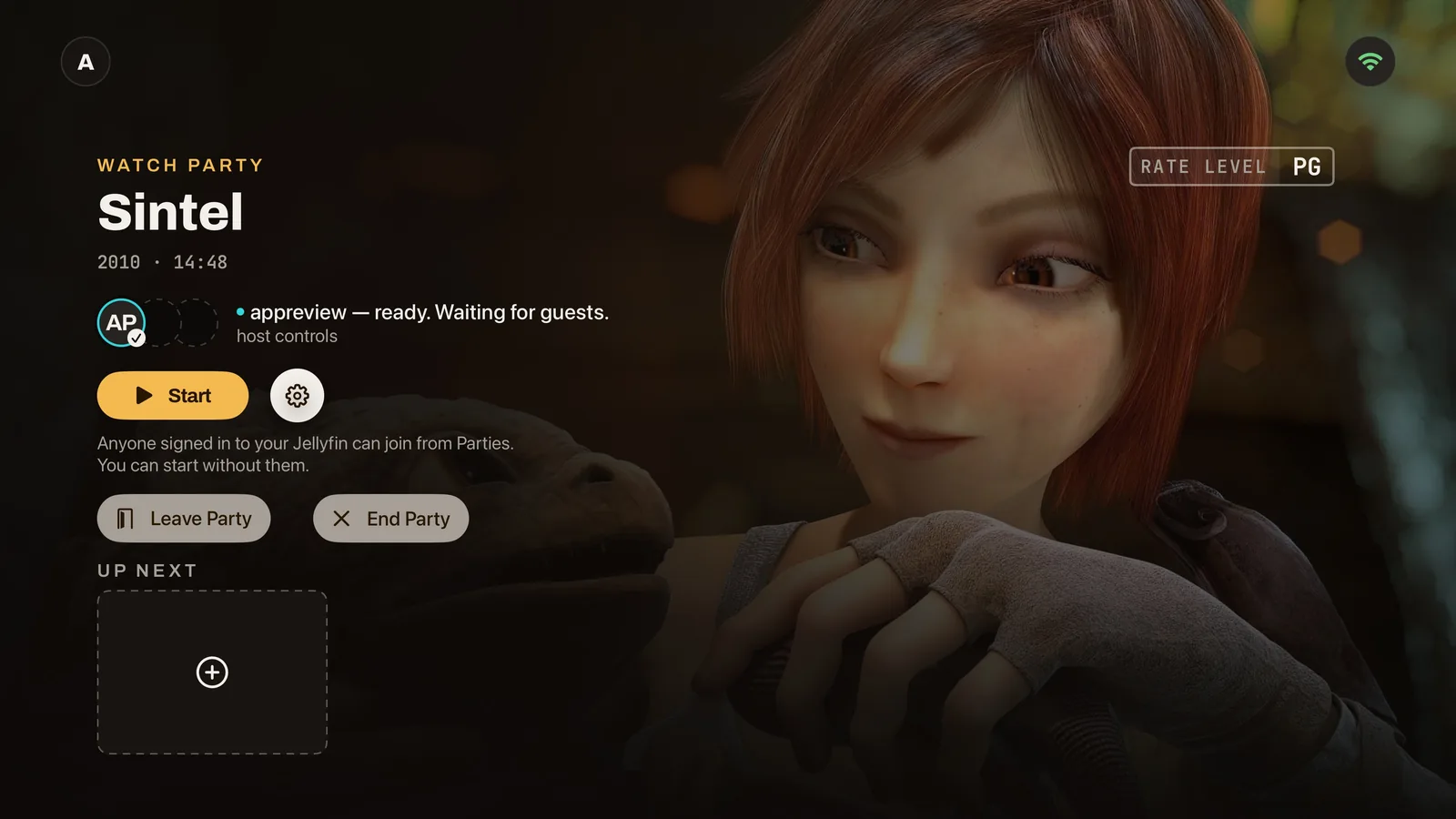
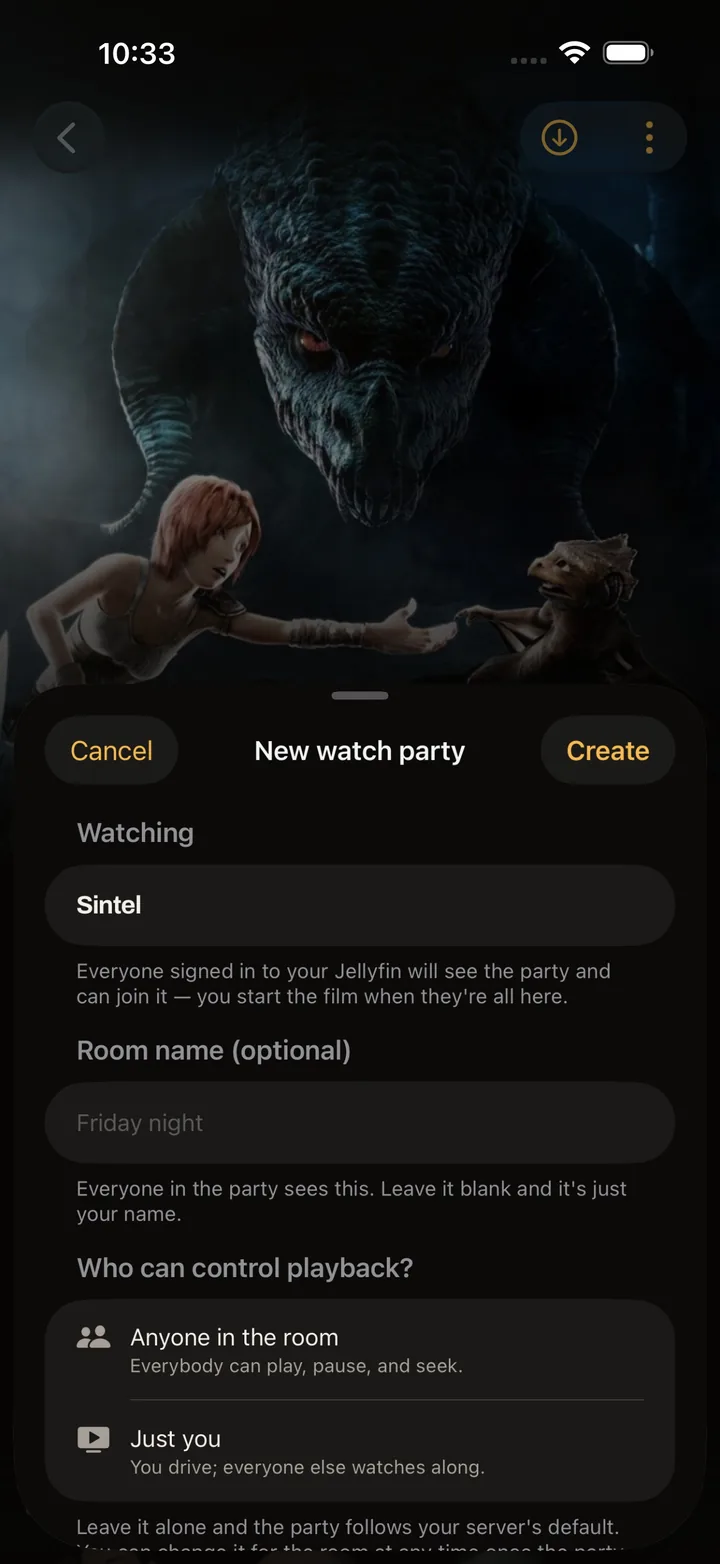
Start a party
From any title. Name the room or leave it blank, set who can control playback — anyone in the room, or just you — and start whenever you like. Guests can arrive after.
- 02
Friends join
Anyone signed in to your Jellyfin sees the room under Open rooms on their Home — in the app on a TV, phone or tablet, or in a desktop browser — and takes a seat with one press.
- 03
Stay in Sync
Play, pause and seek reach every seat. The room shows who is here, who is ready and who is still buffering.

- A room on a title above someone’s parental limit is neither shown nor joinable to them.
- Only people signed in to your Jellyfin can see its rooms. There is no public room list.
- A guest who closes the app gives up their seat; the room carries on, and if the host leaves, someone else takes the reins.
Self-host the server.
Run the room coordinator beside your Jellyfin in one container.
mkdir screenfin && cd screenfin
# save compose.yaml and .env here
docker compose pull
docker compose up -d
Source-available
The relay inside the server, and its wire protocol, are published under PolyForm Shield 1.0.0. Read it, run it, change it, host it — it is the daemon that sits beside your media, so you can see what it does.
Nothing to type on a television
At boot the server prints a one-line branding mark. Paste it into Jellyfin’s Custom CSS as an administrator and every Screenfin client on every device finds the relay by itself.
The web client rides along
The same container serves Screenfin for the browser. One port, WebSockets included.
Rooms outlive restarts
Rooms survive a container restart, so a party can pick up when everyone reconnects.
Pricing
Watch together is free in a desktop browser. In the apps, it’s one subscription per app store — it covers every device signed into that Apple ID or Google account.
- Solo playback is free. Hosting or joining from a native app requires the subscription.
- Apple and Google purchases are separate; there is no Screenfin account to link them.
Common questions
Get the app
- App StoresooniPhone, iPad and Apple TV
- Google PlaysoonAndroid TV, phones and tablets
- Your browserServed by your Screenfin server — open its address